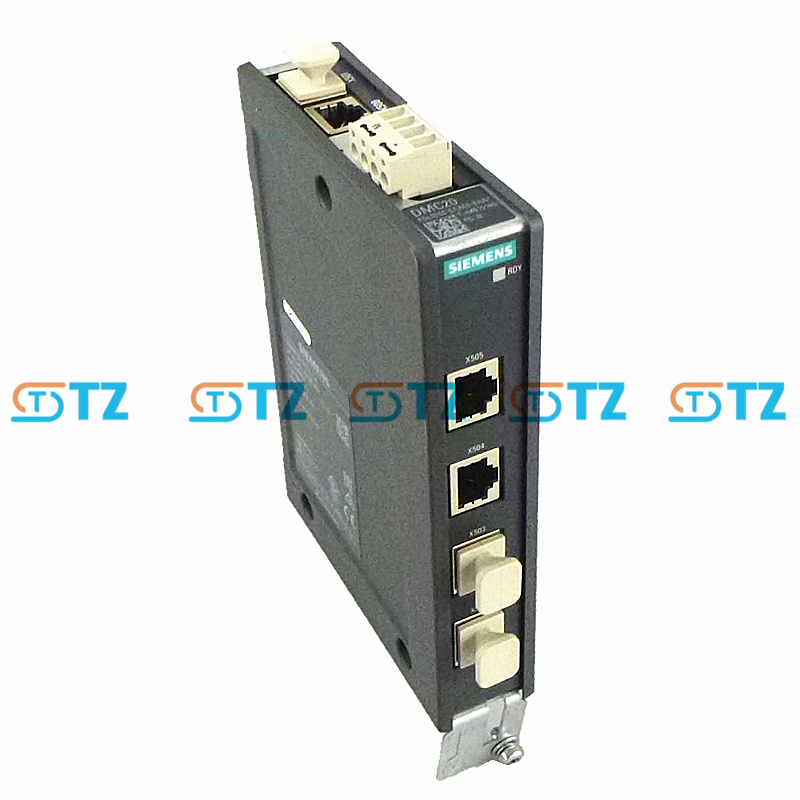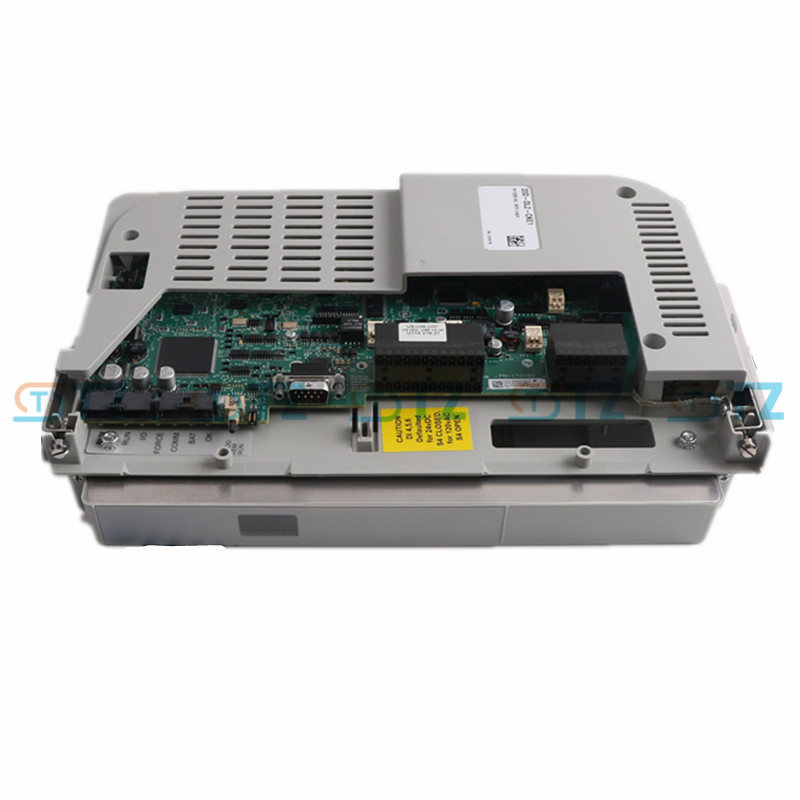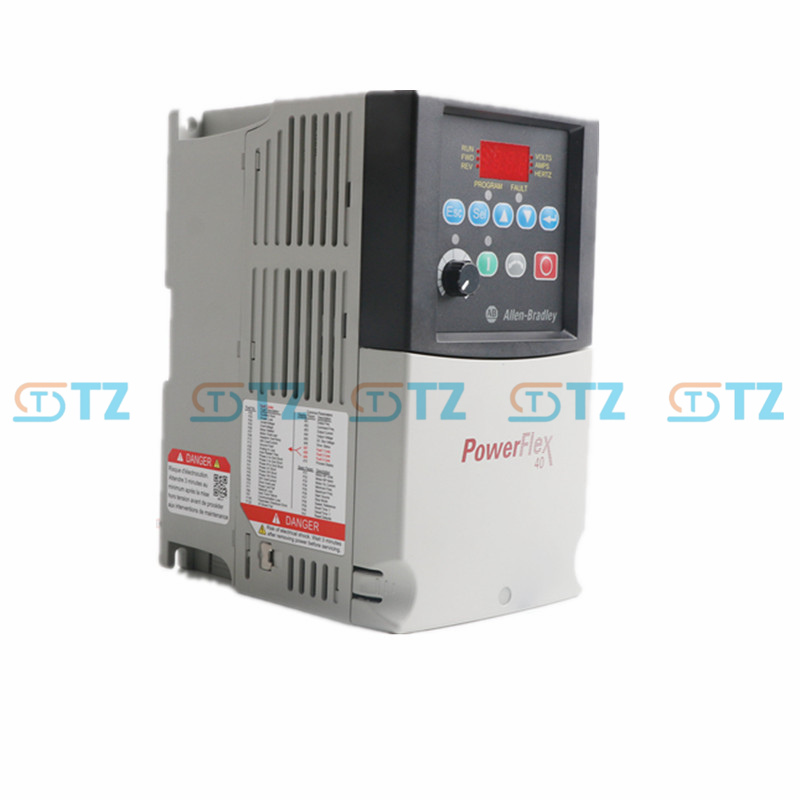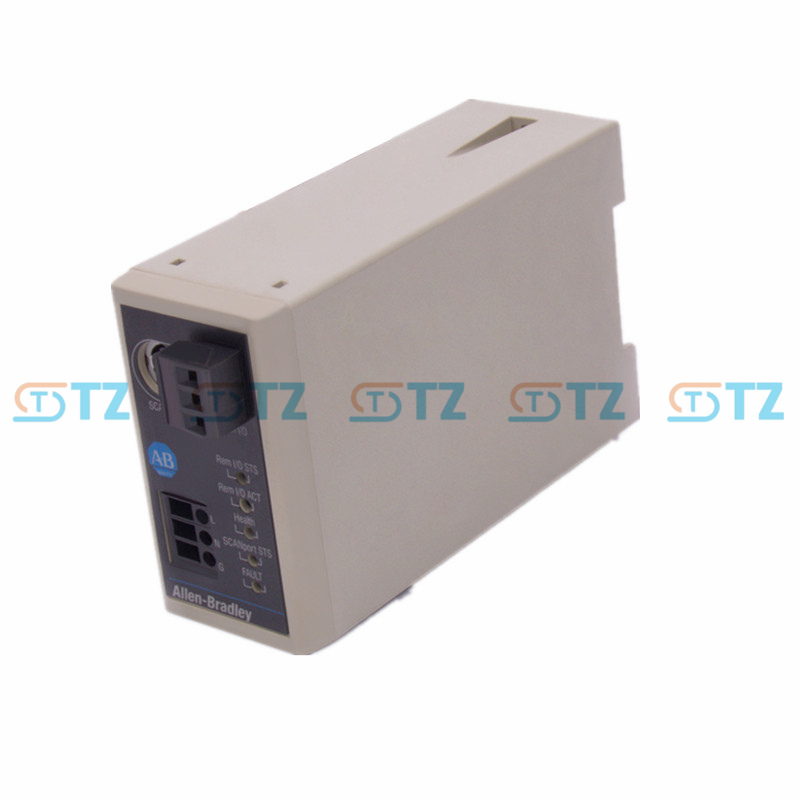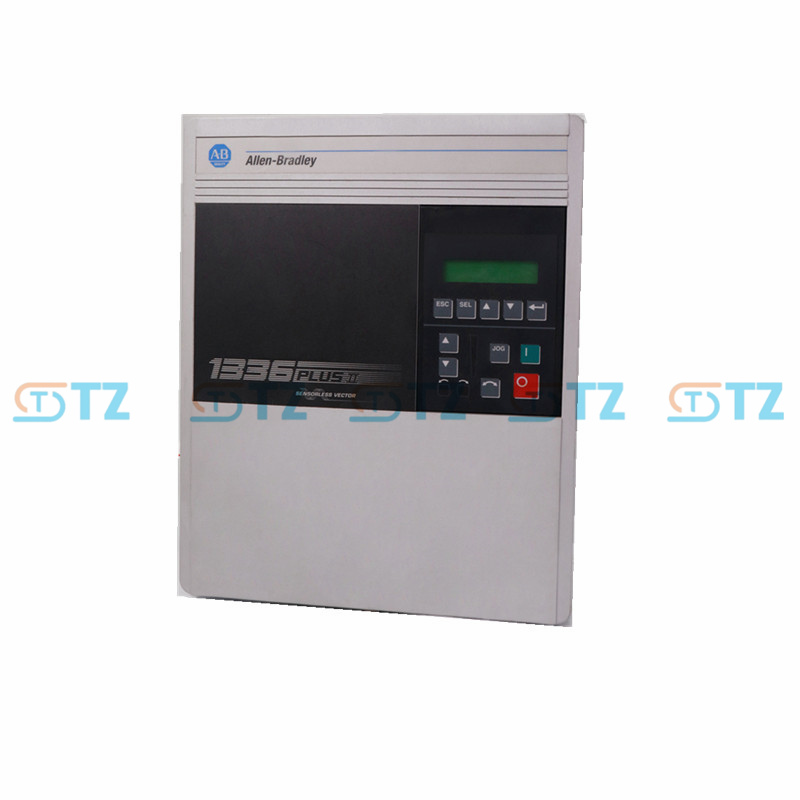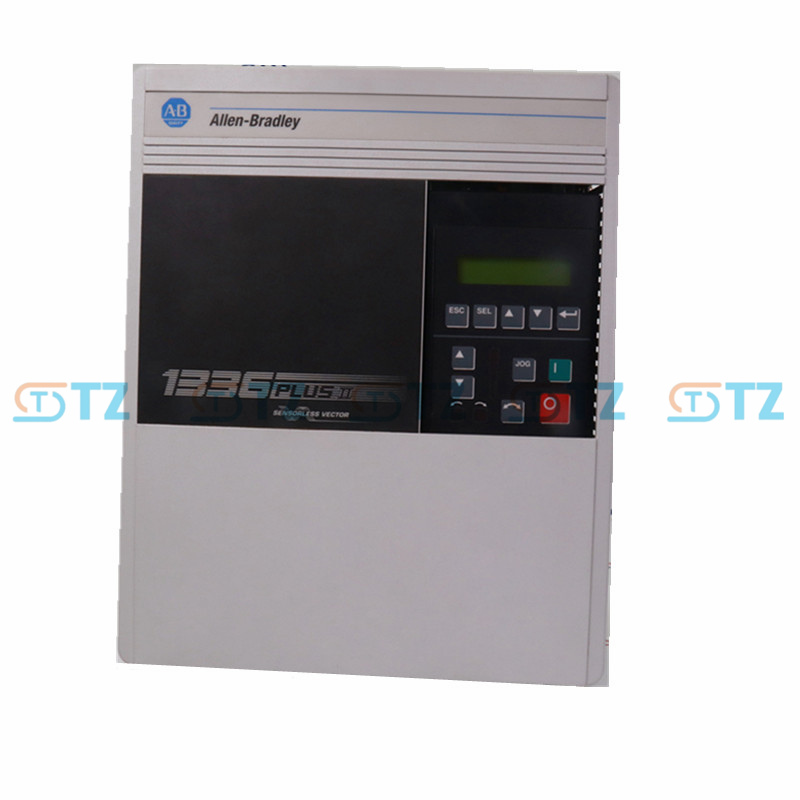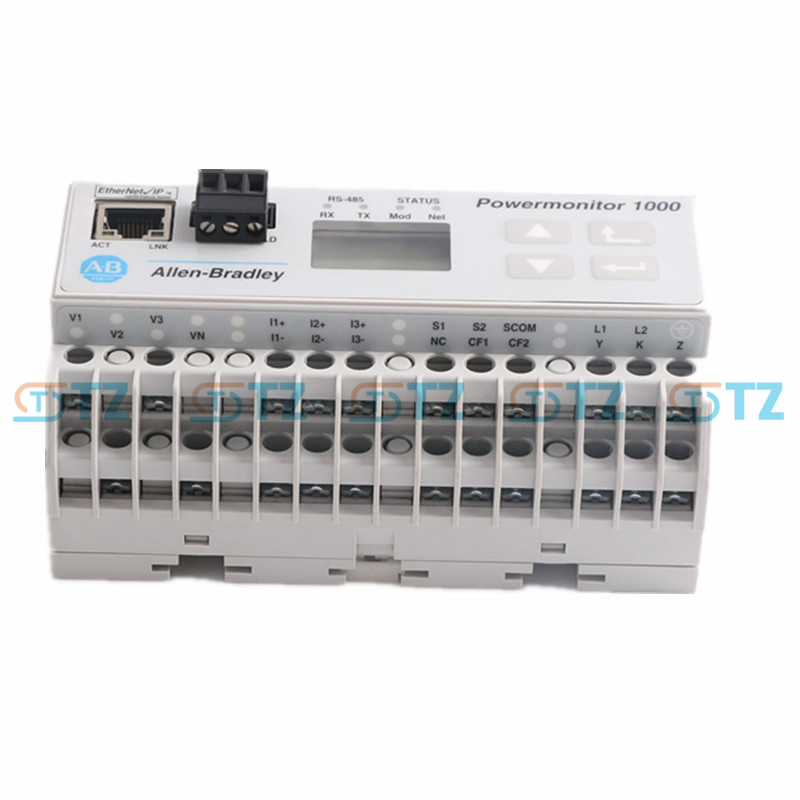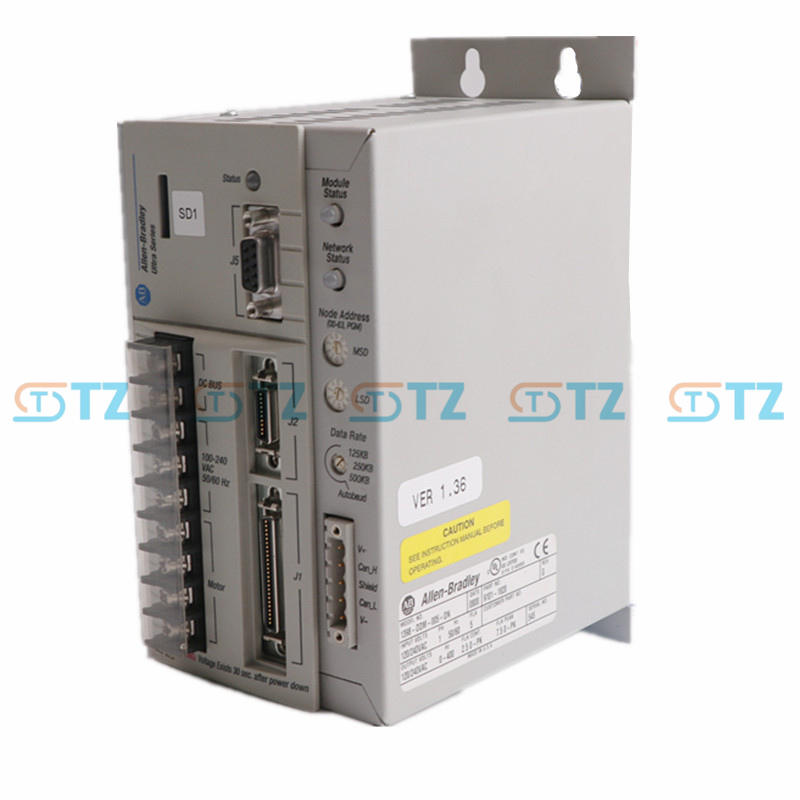
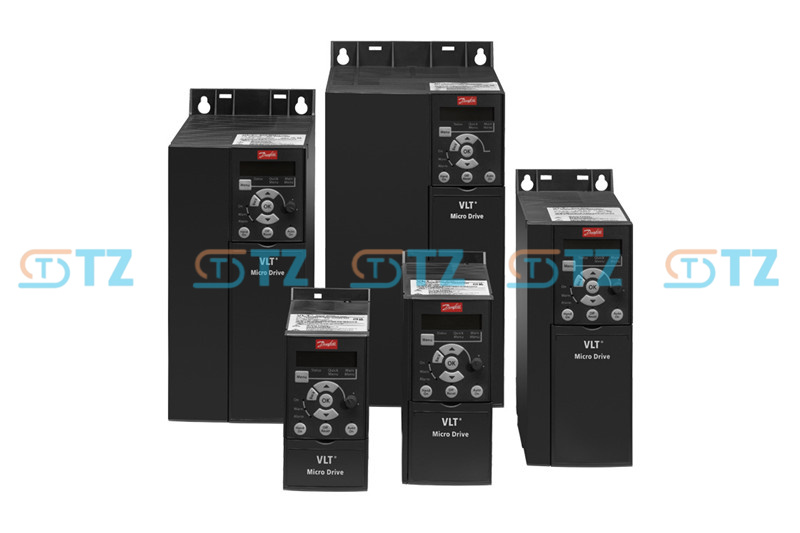
Danfoss VLT® Micro Drive FC 51
HS CODE : 8428909090
Product No :
FC 51Manufacture :
DanfossSize (cm) :
70*150*148Weight (kg) :
1.1Origin :
DenmarkWarranty :
12 MonthLead Time :
Ready StockDescription :
Micro Drive# Danfoss VLT® Micro Drive FC 51 Quick Reference Guide
## 1. Core Technical Specifications
* **1-Phase 200~240 V AC:** 0.18 ~ 2.2 kW (0.25 ~ 3 hp)
* **3-Phase 200~240 V AC:** 0.25 ~ 3.7 kW (0.33 ~ 5 hp)
* **3-Phase 380~480 V AC:** 0.37 ~ 22 kW (0.5 ~ 30 hp)
* **Control Mode:** Advanced Vector Control (VVC+), Built-in PI Controller, Smart Logic Controller (SLC)
* **Built-in Communication:** RS-485 interface supporting Modbus RTU and Danfoss FC Protocol
---
## 2. Control Terminal Definitions
* **Terminal 12:** +24V DC Output (Used as supply voltage for digital inputs)
* **Terminal 18:** Digital Input 1 (Default: `[8]` Start)
* **Terminal 19:** Digital Input 2 (Default: `[10]` Reversing)
* **Terminal 27:** Digital Input 3 (Default: `[1]` Coast inverse)
* **Terminal 29:** Digital Input 4 (Default: `[14]` Jog)
* **Terminal 20:** Digital Ground (GND)
* **Terminal 50:** +10V DC Output (Used as supply voltage for external potentiometer)
* **Terminal 53:** Analog Input 1 (Voltage mode: 0 ~ 10V)
* **Terminal 60:** Analog Input 2 (Current mode: 0/4 ~ 20mA)
* **Terminal 55:** Analog Common (GND)
* **Terminals 68 (+), 69 (-):** RS-485 Serial Communication Interface
> **Note:** Hardware switches located just above the terminal block are used to toggle between PNP/NPN logic and Voltage/Current signal types for terminals 53 and 60. Check these switch positions before wiring.
---
## 3. Essential Parameter Settings (Motor Nameplate & Basic Setup)
Configure the following parameters sequentially based on the motor nameplate during initial commissioning or after a motor replacement:
| Parameter | Parameter Description | Typical Setting / Note | Default Value |
| :--- | :--- | :--- | :--- |
| **1-20** | Motor Power | Match motor nameplate value (kW or hp) | Model dependent |
| **1-22** | Motor Voltage | Match motor nameplate value (e.g., 230V, 380V, 400V) | Model dependent |
| **1-23** | Motor Frequency | Match motor nameplate value (typically 50 Hz or 60 Hz) | 50 Hz |
| **1-24** | Motor Current | Match motor nameplate rated current (A) | Model dependent |
| **1-25** | Motor Nominal Speed | Match motor nameplate rated speed (RPM) | Model dependent |
| **1-29** | Automatic Motor Adaptation (AMA) | Set to **`[1]` Enable complete AMA**, then press **Hand On** key to start | `[0]` Off |
| **3-41** | Ramp 1 Ramp Up Time | Acceleration time from 0 Hz to nominal frequency (seconds) | 3.00 s |
| **3-42** | Ramp 1 Ramp Down Time | Deceleration time from nominal frequency to 0 Hz (seconds) | 3.00 s |
| **4-12** | Motor Speed Low Limit | Minimum output frequency allowed by the drive (Hz) | 0.0 Hz |
| **4-14** | Motor Speed High Limit | Maximum output frequency allowed by the drive (Hz) | 65.0 Hz |
---
## 4. Control & Reference Source Configuration
Adjust the following parameter combinations to match your specific control scheme:
### Scheme A: Keypad Control (Local Control Mode)
* **0-02** = `[1]` (Local display unit set to Hz)
* **3-15** = `[21]` (Main Reference Resource 1 set to LCP potentiometer)
### Scheme B: External Terminal Start + External Potentiometer Speed Control (Most Common)
* **5-10** = `[8]` (Terminal 18 configured as "Start")
* **3-15** = `[1]` (Main Reference Resource 1 set to Analog Input 53)
* **6-10** = `0.07 V` (Terminal 53 Low Voltage scaling, typically keep default)
* **6-11** = `10.00 V` (Terminal 53 High Voltage scaling, typically keep default)
---
## 5. Common Troubleshooting Faults & Alarms
When a fault occurs, the drive display flashes an alarm code. Refer to this list for rapid diagnosis:
* **W2 / AL2 (Live Zero Error):** The current signal on Terminal 60 dropped below 2mA. Check for a broken wire or open circuit in the 4-20mA loop from your sensor/PLC.
* **W7 / AL7 (Overvoltage):** Intermediate circuit (DC-bus) voltage is too high. This is typically caused by high regenerative energy during aggressive braking. Increase the ramp-down time in parameter **[3-42]**.
* **W8 / AL8 (Undervoltage):** The line supply voltage dropped below the minimum operating limit or suffered a power cutout. Check the stability of the incoming mains power.
* **W13 / AL13 (Overcurrent):** Inverter peak current limit exceeded. Check for mechanical binding or lock-up in the load, or inspect the motor cable for a short circuit.
* **W14 / AL14 (Earth Fault):** Discharge from the output phases to ground. Inspect the insulation condition of the cabling between the drive and the motor.
All items are Distributor Ready-stock Genuine Brand-new Supplying, please inform us if the other conditions are needed, Used, Open-box, Refurbished, etc.
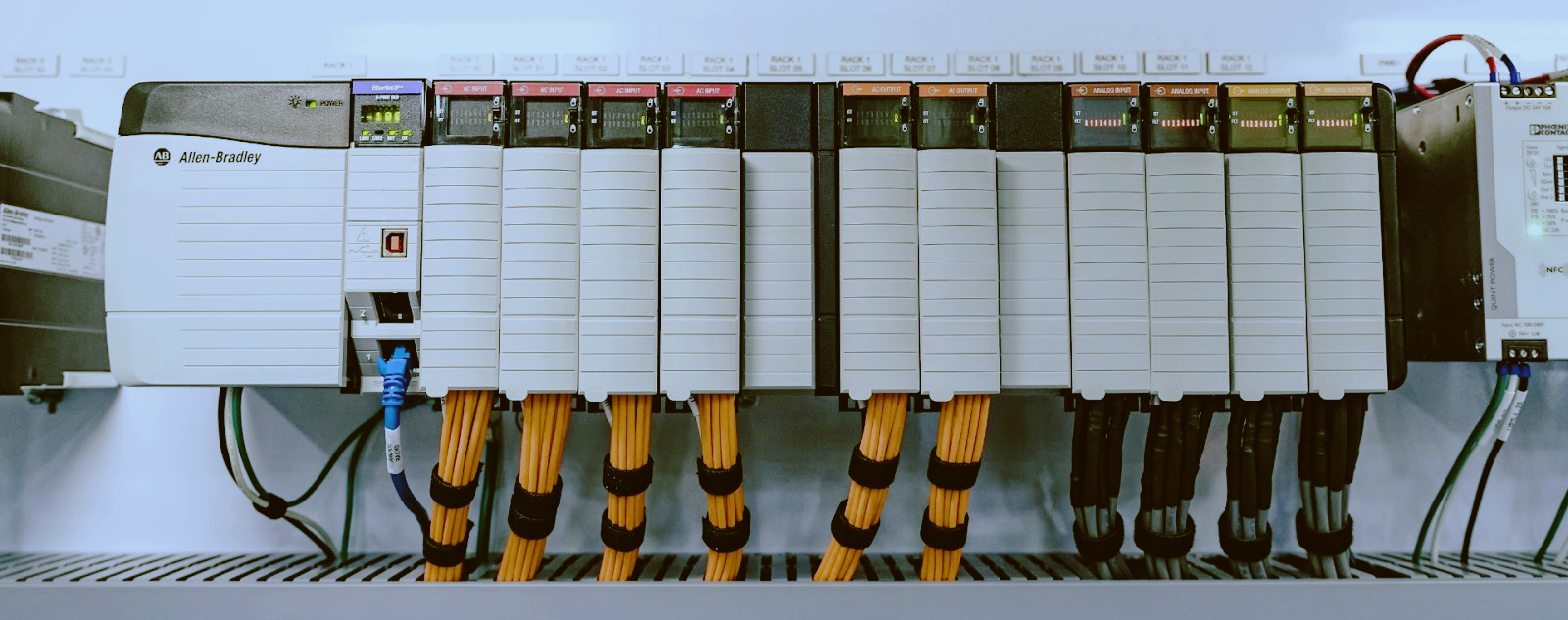
Allen Bradley - CompactLogix; ControlLogix, Flex I/O, MicroLogix, etc.
Siemens - Simatic S7-300; S7-400; S7-1200; S7-1500; HMI 6AV etc.
ABB - Advant 800xA S800; S200; S400; S500; S600; S700; S900 etc.
GE Fanuc - 90-30; 90-70; PACSystems RX3i, etc.
Honeywell - Experion® PKS; ControlEdge™ HC900; etc.
Many Available just wait for you, feel free to ask to get better deal!!!

|
Conditions |
Original Brand New |
|
Approximate Lead Time |
3-5 days |
|
Warranty |
One Year |
|
Online Service |
7/24 |
|
Express Company |
DHL / FedEx / UPS / TNT etc. |
|
MOQ |
1 Piece |
TZ Tech is not an authorized surplus dealer or affiliate for the Manufacturer of this product.
The product may have older date codes or be an older series than that available direct from the factory or authorized dealers. Because TZ Tech is not an authorized distributor of this product, the Original Manufacturer’s warranty does not apply.
While many PLC products will have firmware already installed, TZ Tech makes no representation as to whether a PLC product will or will not have firmware and, if it does have firmware, whether the firmware is the revision level that you need for your application.
TZ Tech also makes no representations as to your ability or right to download or otherwise obtain firmware for the product from Rockwell, its distributors, or any other source.
TZ Tech also makes no representations as to your right to install any such firmware on the product.
TZ Tech will not obtain or supply firmware on your behalf. It is your obligation to comply with the terms of any End-User License Agreement or similar document related to obtaining or installing firmware.

Please read on, stay posted, subscribe, and we welcome you to tell us what you think.


Sitemap | Blog | XML | Privacy Policy
In addition, with your permission, we want to place cookies to make your visit anointeraction with slOC more personal. For this we use analytical and advertisingcookies. With these cookies we and third parties can track and collect yourinternet behawior inside and outside super-instrument.com. With this we and third parties adapt super-instrument.com and advertisementsto your interest. By clicking Accept you agree to this. If you decline, we only usethe necessary cookies and you unfortunately will not receive any personalizedcontent. Please visit our Cookie policy for more information or to change yourconsent in the future.
Accept and continue Decline cookies